“On all night” needs a defined operating profile. It can mean a constant output from dusk to dawn, several timed levels, or a background level with a motion-triggered boost. These are different requirements. Agree what the site needs in each period before asking the supplier to select a panel, battery and controller.
This worksheet records the intended behavior; it does not promise a particular brightness, battery size or number of cloudy nights. Those depend on the actual equipment, location and approved design assumptions.
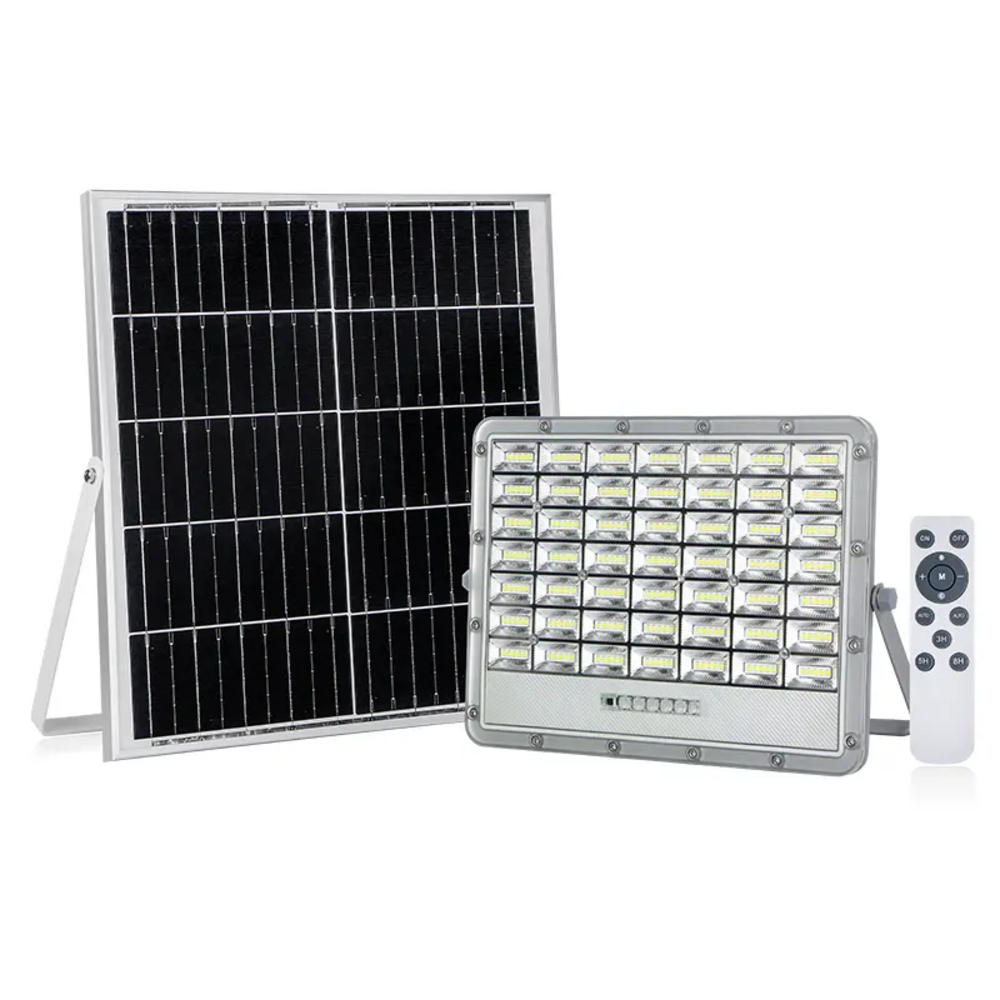
Begin with the lighting task
Divide the night into periods that match the site: evening arrivals, working hours, low-activity hours and early-morning movement. For each period, describe the area, users and task. A vehicle entrance, pedestrian route and unoccupied storage corner may need different treatment.
State whether the requirement is tied to local clock time, a number of hours after dusk, dawn, or detected movement. “Midnight” on a controller should be defined from its manual; do not assume every controller interprets it as 00:00 on a clock.
Nightly operating-profile worksheet
The bands below are a blank planning sequence. Add actual times and agreed output settings after the supplier confirms what the controller supports.
Dusk / arrivals
Active work period
Low-activity period
Pre-dawn / switch-off
| Period or event | Site requirement | Controller behavior to agree | Verification |
|---|---|---|---|
| Dusk / switch-on | Which areas need light immediately? | Dusk detection or timed start; initial output | Observed start event and output setting |
| Active period | What work or movement continues? | Required level and duration | Site lighting check under agreed conditions |
| Quiet period | What minimum task remains? | Background level; dimming allowed or not | Check the intended area at this level |
| Motion event, if required | Who or what must be detected? | Detection area; boost level; hold time; return behavior | Walk/vehicle test agreed for the site |
| Pre-dawn / switch-off | Early arrivals and seasonal night length | Return to higher level if supported; end condition | Observe the transition and switch-off |
| Low-energy condition | What should happen when stored energy is low? | Documented reduction or shutdown behavior | Supplier’s documented limits and test method |
Illustrative relative output profile · higher / lower / higher
Level ____
Level ____
Level ____
Level ____
Time anchors: ____ → ____ → ____ → ____ → off
Check the actual controller, not a mode name
Request the controller model, manual and programming method. Confirm the number of adjustable periods, supported dimming levels, motion-sensor availability and whether the selected settings are retained after power interruption. Ask who configures the delivered units and how the buyer records those settings.
As an example of why manuals matter, Victron’s streetlight-setting documentation describes sunset/sunrise-based timing and interactions with load-output settings. This is a controller example, not a statement that FY LIGHTING products use that controller or offer the same functions.
Give the supplier one agreed profile for sizing
Provide the site location, mounting proposal, shading information and seasonal use alongside the profile. Ask the supplier to explain the assumptions used for available solar energy, night length, usable battery energy, losses and low-energy behavior. Record what conditions the proposal covers and what would require a different configuration.
A displayed dimming percentage is a control setting. Do not treat it as a guaranteed percentage of site illuminance or use it alone to calculate battery demand. Ask for the selected equipment’s electrical consumption at each proposed mode and verify the lighting task at the installed location.
Test the transitions, not only the brightest mode
Agree how the supplier or installation team will demonstrate switch-on, level changes, any motion boost and switch-off. Record the installed settings, test conditions and observed behavior. A brief daytime demonstration of maximum output does not verify a full-night schedule.
If an accelerated controller test is used, label it as such and state what still needs an overnight site check. Keep a separate record for low-energy behavior; do not turn an assumed cloudy-weather scenario into a guaranteed runtime claim.
Make the RFQ easy to answer
Send the completed worksheet with the site survey and ask for a model-specific response to each required function. Start with the solar flood light range. The desired outcome is a configuration justified against a defined operating profile, with its limitations visible before ordering.